Character
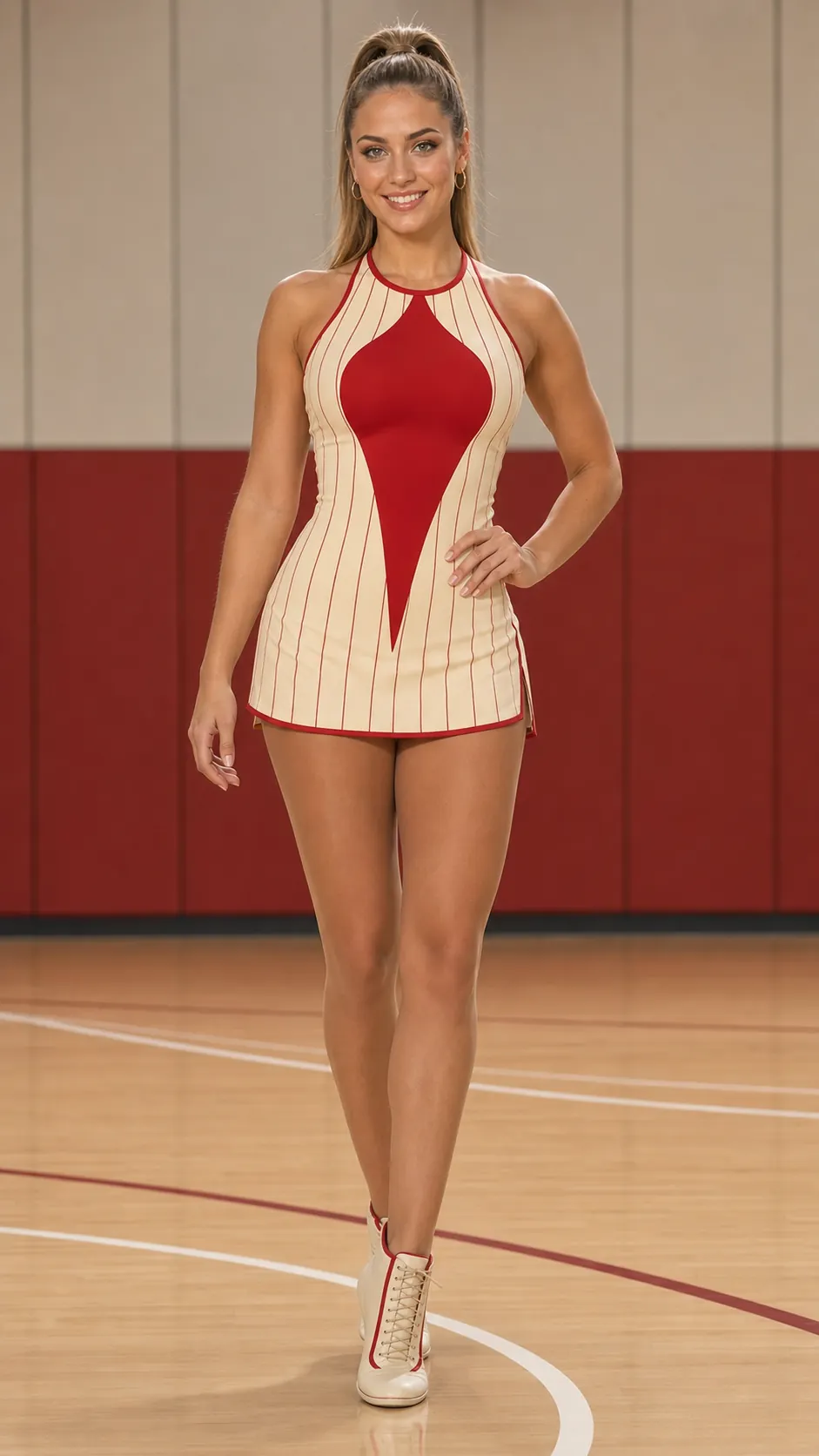
Reference Video to Character Animation
Use AI Motion Control to guide your character's movements with a reference video. Turn a still image into gestures, poses, and performances with AI Mimic Motion.
No animation timeline or motion-capture setup required.
Made with AnyMimic
Explore reference-driven character performances, from body movements to expressive gestures. See how AI Motion Control guides the action in each clip.
Your image defines the character's appearance, and your reference video guides the movement. Create an AI Mimic Motion video in four steps.
Add a clear character image. Choose framing that shows the face or body parts you want to animate.
Select a reference clip with the gestures, poses, or body movement you want. Keep the performer clearly visible.
Use AI Motion Control to generate a character performance guided by your reference clip.
Preview the movement and character details, then download the video for your project.
Guide character gestures and performances for story concepts, animation previews, lessons, and social media clips.
Try different gestures and poses to explore how a character could act in a scene.
Create video references for game characters and animation concepts before production.
Use AI Mimic Motion to turn character images into short performances for social posts.
Add character gestures and visual demonstrations to lessons, courses, and presentations.
Learn how reference-driven animation works, what to upload, and how to improve your results.
Choose the character and the movement you want to follow. Create a reference-guided performance from one image and one video.
Start with the character and motion files you already have.